"WordPress maintenance" sounds vague until you see what it actually covers. A good plan is a bundle of recurring tasks that keep your site secure, fast, and online — the things that quietly prevent disasters. Here's exactly what should be included, and why each one matters.
1. Updates with safe rollback
WordPress core, themes, and plugins release updates constantly — often to patch security holes. But blindly updating can break your site if a plugin conflicts. A proper maintenance plan applies updates carefully and keeps the ability to roll back instantly if something goes wrong. This is the single most important maintenance task, because outdated software is the number one cause of hacked WordPress sites.
2. Backups (cloud and offline)
If something does go wrong — a bad update, a hack, a server failure — backups are what save you. Look for scheduled cloud backups plus offline emergency copies, so your site can always be restored to a working state. Backup frequency should match how often your site changes: weekly is fine for a brochure site, daily for an active store.
3. Security and malware monitoring
This includes firewall protection, malware scanning, and "hardening" — closing the common doors attackers use, like the default login URL. Good security monitoring catches threats early, before they turn into downtime or a blocklisted domain. If you're choosing plugins yourself, our post on the essential WordPress plugin list covers the security tools we trust.
4. Performance and uptime monitoring
A slow site loses visitors and rankings. Maintenance should include speed optimization (caching, image handling, database cleanup) and uptime monitoring so you're alerted the moment your site goes down — ideally before your customers notice.
5. Real human support
The best plans include actual help: quick emergency response when something breaks, and on higher tiers, web edits, content changes, blog uploads, and product imports done for you. This is the difference between software that "monitors" your site and a team that actually takes care of it.
How the tiers usually work
Maintenance is typically offered in tiers so you only pay for what you need:
- Entry tier (our Bronze, $85/mo): updates, backups, security, and emergency response.
- Mid tier (our Gold, $250/mo): adds hands-on web edits, weekly backups, and content support.
- Custom tier: daily backups, integrations, and full-scale services for complex sites.
You can see exactly what each tier includes on our WordPress maintenance plans page.
What about hosting?
Hosting and maintenance are related but separate. Hosting is where your site lives; maintenance is the ongoing care. You can buy either on its own — we'll maintain a site hosted anywhere — or bundle them to save. Curious how much it all runs? See how much WordPress maintenance costs in 2026.
The bottom line
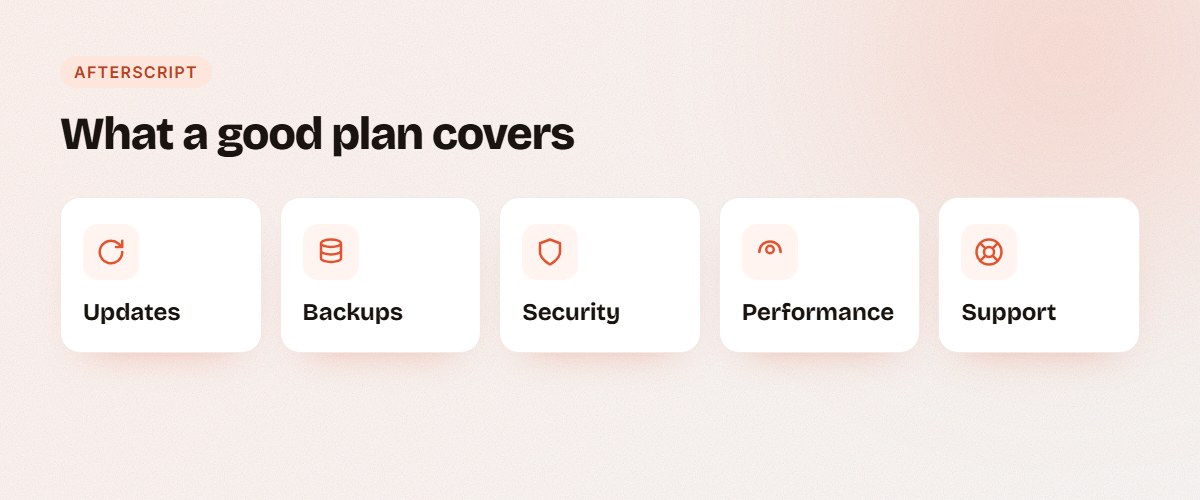
A real WordPress maintenance plan covers five things: updates, backups, security, performance, and support. If a plan is missing any of those, you're not fully protected. Want us to handle all five for your site? Tell us what you need and we'll put together the right plan.