Whether you maintain your WordPress site yourself or hand it to a pro, it helps to know what "maintenance" actually involves. Here's a practical checklist organized by how often each task should happen. Bookmark it — and if it looks like more than you want to manage, that's exactly what a WordPress maintenance plan takes off your plate.
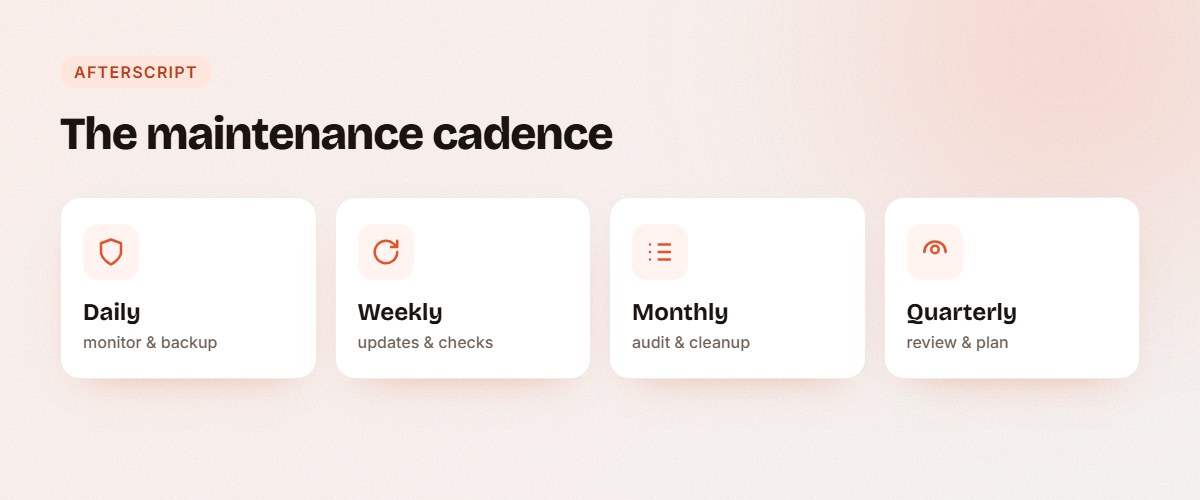
Daily tasks
For most sites these are automated, but they should be happening every day:
- Uptime monitoring. Know immediately if your site goes down.
- Security scanning. Watch for malware and suspicious activity.
- Backups for active sites. If you run a store or publish daily, back up daily so you never lose more than a day's work.
Weekly tasks
- Apply updates carefully. Check for WordPress core, theme, and plugin updates, and apply them — ideally testing first and keeping the ability to roll back.
- Run a backup. For sites that change weekly rather than daily.
- Review security logs. Look for repeated failed logins or unusual traffic.
- Check key pages. Load your homepage, contact form, and checkout to confirm nothing broke.
Monthly tasks
- Full plugin and theme audit. Remove anything you no longer use — every inactive plugin is still a potential security hole. (See our essential plugin list for keeping your stack lean.)
- Database cleanup. Clear out spam, post revisions, and transients to keep things fast.
- Performance check. Run a speed test and review caching. Slow sites lose visitors and rankings.
- Test your backups. A backup you've never restored is just a hope. Confirm it actually works.
- Review forms and integrations. Make sure leads are still coming through and nothing has silently failed.
Quarterly tasks
- Review user accounts. Remove old admin users and confirm everyone still needs access.
- Check for broken links. Fix 404s that hurt user experience and SEO.
- Revisit your hosting and plan. As your site grows, make sure your hosting and backup frequency still fit.
The honest truth about DIY
This checklist is very doable — for one site, by someone who remembers to do it every single week and month. In practice, that consistency is the hard part. Miss a few months of updates and you're exactly where most hacked sites start. We covered the stakes in what happens if you don't maintain your WordPress site.
If you'd rather not keep a calendar of WordPress chores, this entire checklist is what our maintenance plans handle for you — starting at $85/month. Curious about pricing? Here's how much WordPress maintenance costs in 2026.
Let us run the checklist for you
Tell us about your site and we'll keep it updated, backed up, secure, and fast — so you never have to think about this list again.